Profile
If you’re a consulting engineer or mechanical contractor, you don’t select a fan in isolation — you select it within the context of a project, a coordinated design team, compliance obligations, acoustic constraints, and cost pressure.
The Sigrist Design Raptair Fan Selector is built around that exact reality. It is not just a performance lookup tool — it’s a structured, project-based workflow platform designed for Australian HVAC projects.
This tool also allows selection of Attenuators, Cowls and Fans in an unprecedented collaborative workflow.
Below is a practical breakdown of how it works — using real examples from the platform demonstration — and why it matters for contractors and engineers.
Sigrist Fan Selector – make the fan selection now
Start With the Project — Not the Product
When you log into Raptair, the first step is simple:
Create a project.
You define:
-
Project name
-
Project details (as you would normally record in documentation)
-
Internal notes
-
Sharing permissions
Instead of selecting a fan and later trying to build a schedule around it, Raptair creates a project container first.
Built for Project Team Collaboration
One of the most practical — and often overlooked — strengths of Raptair is its ability to share projects within your company or project team.
You can:
-
Share a project with other members of your company
-
Allow access if you’re off-site or unavailable
-
Enable team members to review selections
-
Maintain version control through cloning
If a colleague needs to modify your work, they simply clone the project:
-
Your original remains untouched
-
They create their own version
-
Design intent is preserved
-
Audit trail integrity is maintained
This is especially valuable for:
Consulting Engineering Firms
-
Senior engineer prepares concept design
-
Associate refines for detailed documentation
-
Drafting team extracts Revit models
-
Director reviews compliance
D&C Contractors
-
Project engineer adjusts for procurement
-
Construction team finalises installation configuration
Multi-Office Organisations
-
Brisbane office prepares base selection
-
Sydney office adapts to local compliance conditions
-
Both retain independent copies
Rather than emailing spreadsheets back and forth, the project exists in one structured environment.
That’s practical collaboration — without file version chaos.
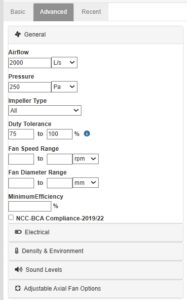
Real-World Selection Example: 2,500 L/s @ 200 Pa
A typical example from the Sigrist Design demonstration
-
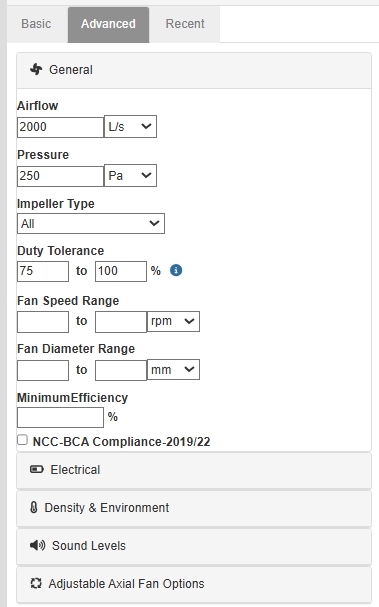
Airflow: 2,500 L/s
-
Static pressure: 200 Pa
-
Impeller type: left broad
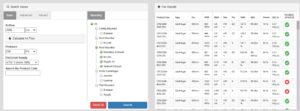
Instead of narrowing too early, the system returns a broad mix of fans.
Why Broad Filtering Matters
The default sort is by price.
This allows you to quickly answer:
“What is the most cost-effective fan capable of this duty?”
In early-stage design and tendering, that’s critical.
You can then refine by:
-
Decibels
-
Voltage
-
Kilowatts
-
RPM
-
Product code
-
Diameter (e.g., filter to 560 mm)
-
Mounting type (e.g., duct-mounted inline)
The broader you start, the clearer the cost perspective.
NCC Compliance Visibility
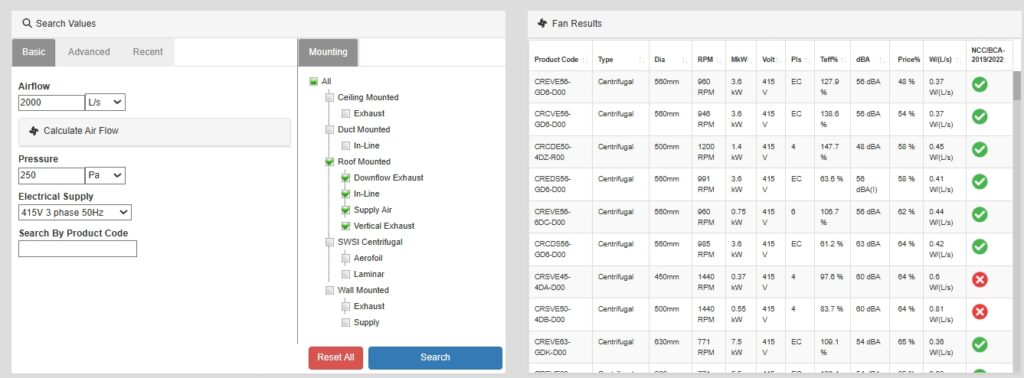
Search results clearly indicate:
-
Green tick = NCC compliant
-
Red cross = Not compliant
You can even force the filter to show compliant fans only.
For Australian projects under NCC 2022 and smoke hazard management requirements, this reduces:
-
Specification risk
-
Tender clarifications
-
Redesign during certification
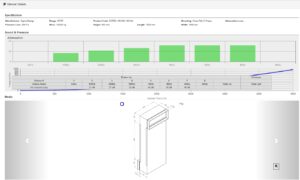
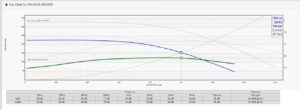
Performance & Acoustic Transparency
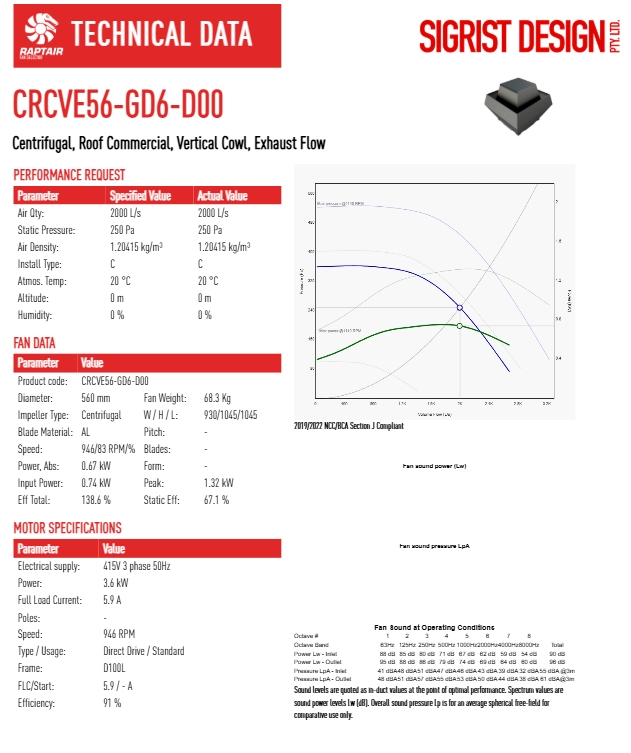
In the example selection:
-
Required: 2,500 L/s @ 200 Pa
-
Selected fan delivers:
-
2,673 L/s
-
229 Pa
-
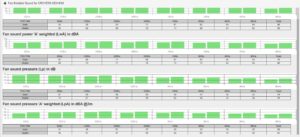
63 dBA @ 3m
-
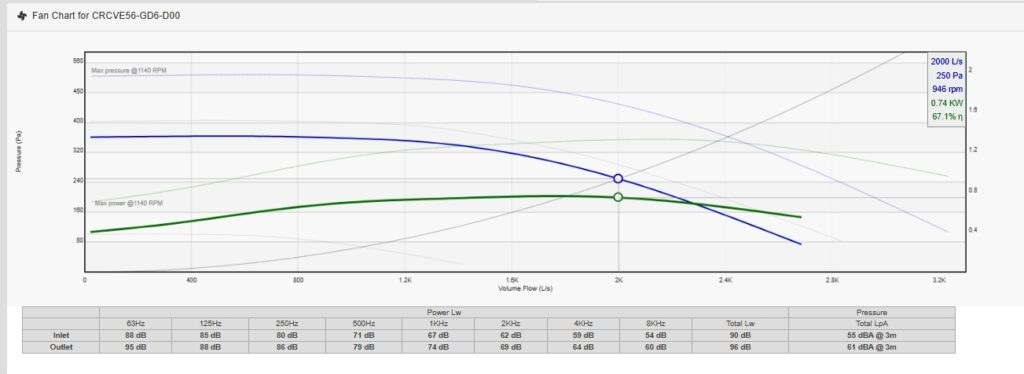
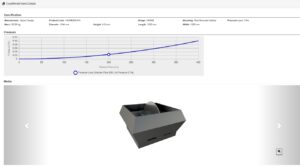
You can view:
-
Operating point
-
Maximum capacity
-
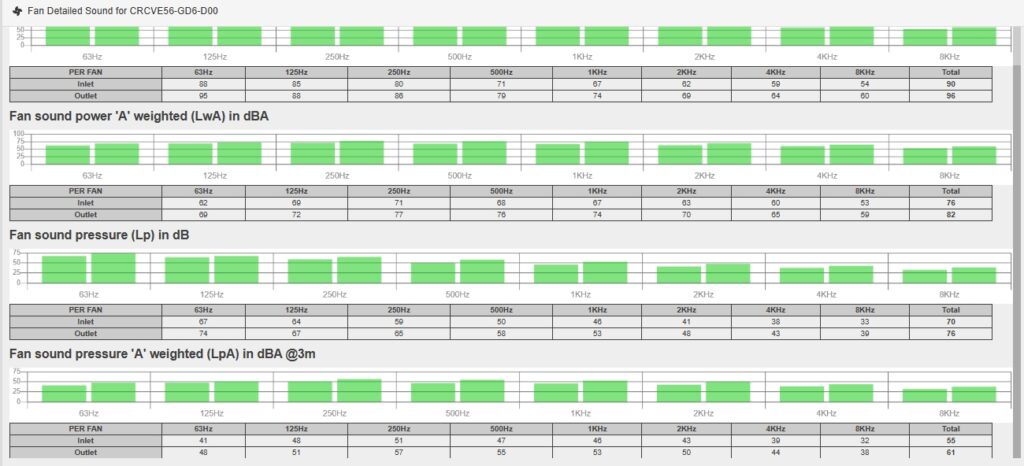
Full acoustic profile
If 63 dBA is excessive for a sensitive application, you refine by sound.
This prevents late-stage attenuator additions and acoustic redesign.
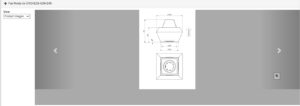
Dimensions, Media & BIM Integration
For each fan, you can:
-
View wiring diagrams
-
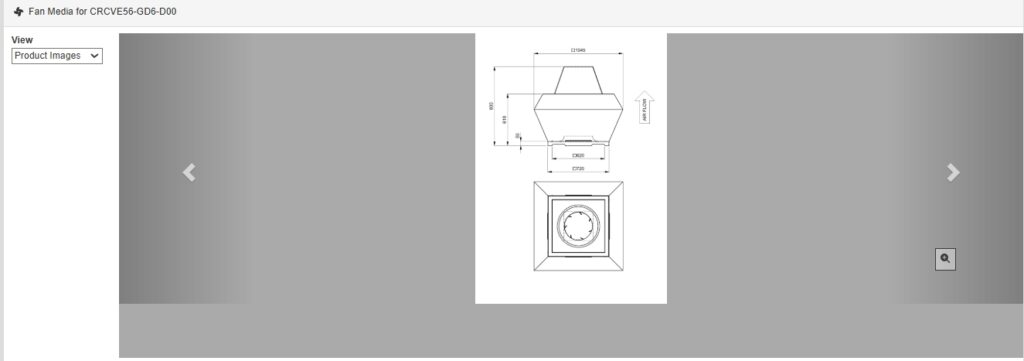
Check physical dimensions
-
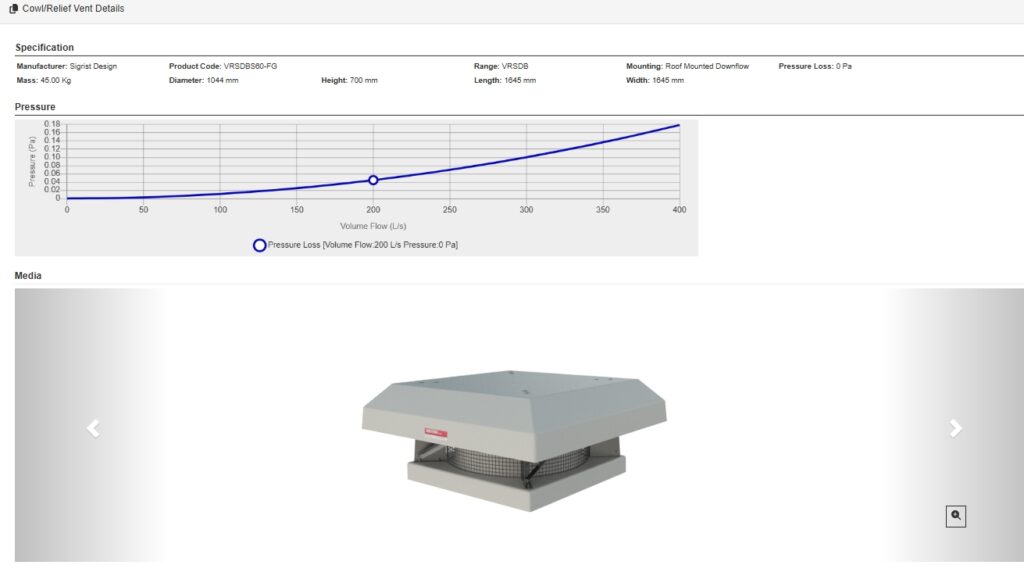
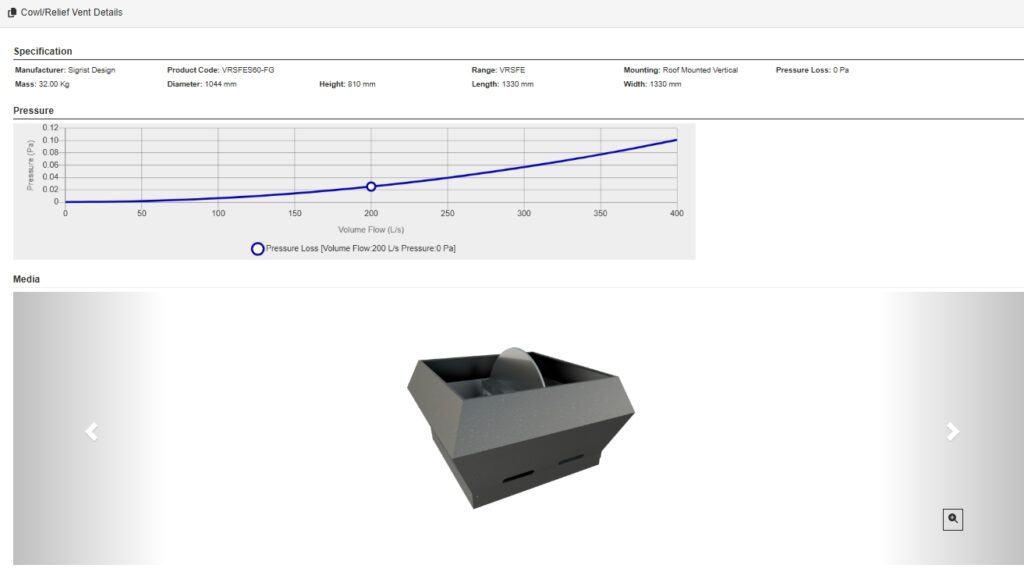
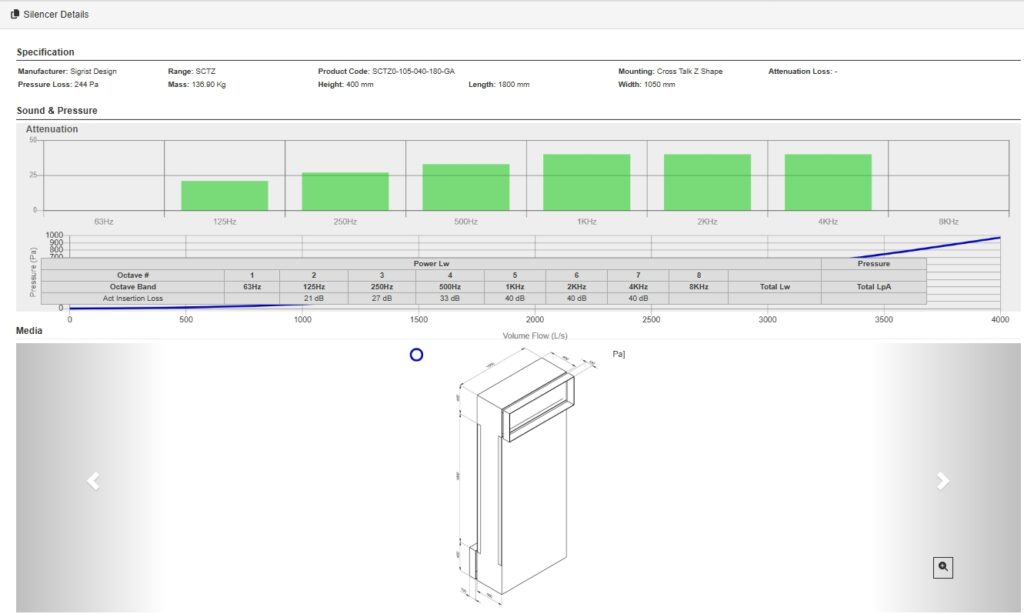
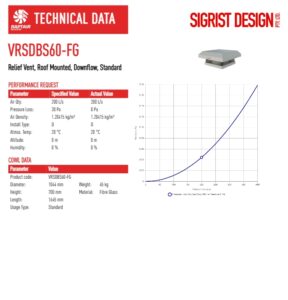
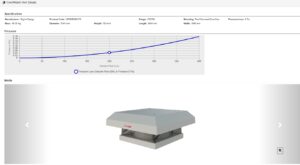
Access product images
-
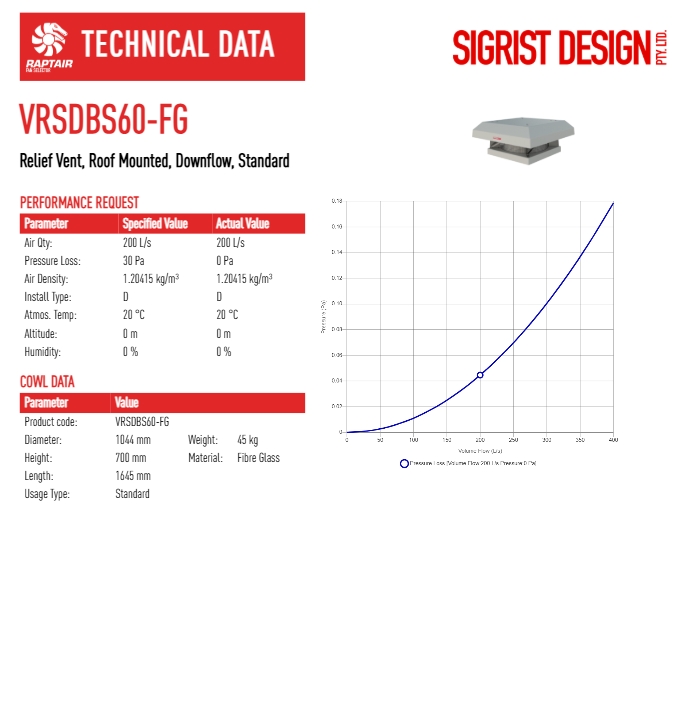
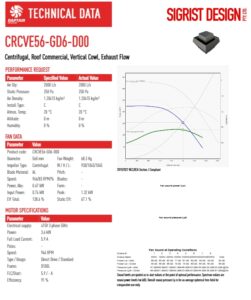
Download detailed PDF datasheets
-
Export Revit files
This is critical for:
-
Plant room spatial validation
-
Electrical coordination
-
BIM clash detection
-
Tender documentation
Everything is available directly from the selection interface.
Ancillaries Included by Default
Default ancillaries automatically selected include:
-
Feet
-
Flanges
-
Vibration isolators
For example:
-
Two feet
-
Two flanges
-
Four isolators
You can review and adjust before adding to project.
This ensures your schedule reflects a realistic installation package — not just the bare fan.
Adding and Managing Multiple Fans
Once selected, you:
-
Add to project
-
Assign designation (e.g., Outdoor Air Fan-09)
-
Add location and notes
Need the same fan on another level?
You don’t start again.
You:
-
Confirm ancillaries
-
Add again
-
Assign new designation (e.g., OAF-10, OAF-11)
The system prevents duplicate designations — protecting schedule clarity.
In the project view, you can:
-
Drag and drop order
-
Edit designations
-
Add missing notes
-
Clone individual fans
-
Move items to top or bottom
This mirrors how real mechanical equipment schedules are structured.
Advanced Engineering Options
You can also configure:
-
Single-phase / three-phase
-
Density and environmental parameters
-
Specific sound limits
-
Impeller materials (steel, aluminium)
-
Anti-static configuration
-
Flameproof motors
-
Smoke spill (S2 / S3 classifications)
For applications such as:
-
Car park exhaust
-
Industrial ventilation
-
Hazardous environments
-
Smoke management systems
These are not afterthoughts — they’re integrated into the workflow.
Final Output & Documentation
When finished, you can:
-
Export a spreadsheet schedule
-
Download individual datasheets as PDFs
-
Access BIM models
-
Clone the project for alternate options
-
Archive completed jobs
The result is a structured, documented, shareable fan schedule ready for:
-
Design submission
-
Tender issue
-
Procurement
-
Construction
Where Raptair Fits in the Workflow
For Consulting Engineers:
-
Concept design benchmarking
-
Compliance filtering
-
Acoustic validation
-
Team collaboration
For Mechanical Contractors:
-
Tender optimisation
-
Value engineering
-
Procurement documentation
-
Cross-team coordination
For D&C Teams:
-
Option A vs Option B comparisons
-
Smoke spill vs standard ventilation
Shared access between estimating and construction
Key Pages
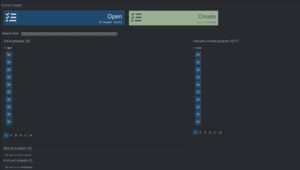
Project Dashboard Page and Key Features
Quick Access Panel has the below for all products – (right hand side)
Product Images

Drawing Files

Ancillaries System – product data at your fingertips, correctly matched to the fan!


Project Page – Unique features explanation
QuickView

Project Actions

Excel Snip

For Distributors: DinoRider Integration
While Raptair empowers engineers and contractors at the selection and documentation stage, the workflow does not stop there.
Enter:
DinoRider — Turning Specifications Into Production-Ready Quotes
DinoRider is designed specifically for distributors and internal sales teams.
Where Raptair defines:
-
Performance requirements
-
Compliance status
-
Ancillaries
-
Electrical configuration
-
Project scheduling
DinoRider converts those specifications into:
- Compliant, production-ready quotes
- Structured commercial proposals
- Manufacturing-aligned documentation
- Delivery-programmed outputs
Final Assessment
The Raptair Fan Selector is not just a product finder.
It is a project-based, collaborative fan selection and documentation platform designed for Australian HVAC projects.
Its strengths include:
Project-first workflow
Internal team sharing capability
Controlled cloning for version management
Broad-to-narrow filtering strategy
Default price sorting
NCC visibility
Acoustic transparency
Integrated ancillaries
BIM-ready outputs
Try today: Sigrist Fan Selector – make the fan selection now
One Last Thing: Innovation That Scales Beyond Fan Selection
Raptair is more than a selection tool — it represents a structural shift inside Sigrist Design.
Two years ago, Sigrist saw the opportunity to reinvent how ventilation products are specified and quoted — replacing manual processes with a proprietary, digitally integrated platform built for speed, accuracy and scale.
Raptair (2025) enables conractors & engineers to:
-
Select and specify compliant fans quickly
-
Share projects within their team
-
Clone versions for controlled collaboration
-
Issue quote requests directly
DinoRider then converts those structured specifications into:
-
Compliant, production-ready quotes
-
Manufacturing-integrated documentation
-
Delivery-aligned production schedules
The impact:
-
Quote output more than doubled
-
$77M+ active project quote pipeline
-
~$1M per week generated through DinoRider
For contractors and engineers, this means faster, cleaner specification.
For distributors, it means reduced interpretation risk and smoother production alignment.
The investment opportunity is the chance to back a 35-year Australian manufacturer that now combines proven physical infrastructure expertise with proprietary digital IP — positioning it to scale as its $77M pipeline converts over the next 12–36 months.
If you’re in engineering, construction, or industrial investment and want to review the equity crowdfunding details, register your Expression of Interest before the public offer closes.Investors – Sigrist Design